
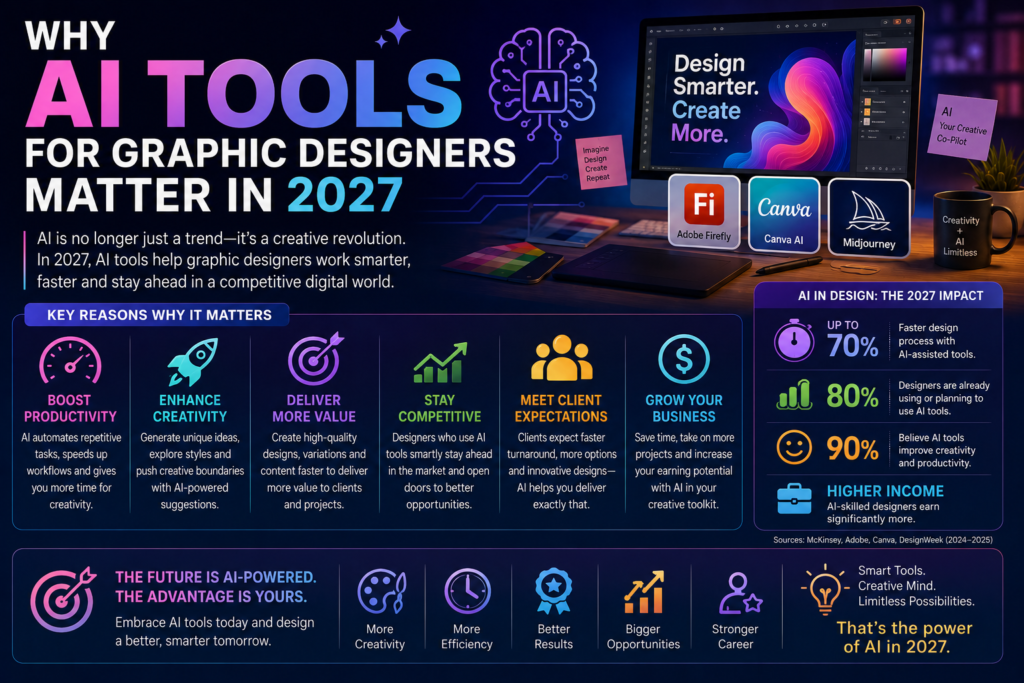
AI Tools for Graphic Designers have become a core part of the modern design workflow, with Adobe Firefly, Canva AI and Midjourney each taking a different approach to AI-assisted creativity. For designers in Sydney, Melbourne, Brisbane, Perth, Adelaide and Canberra, understanding how these three tools differ and which one fits a given project is quickly becoming a practical, in-demand skill rather than a nice-to-have.
Why AI Tools for Graphic Designers Matter in 2027
Generative AI has moved from novelty to genuine production tool across the design industry. Whether it’s generating quick concept variations, removing backgrounds, or producing highly stylised artwork, AI tools are now embedded directly into the software many designers already use every day.
According to Adobe’s own Firefly documentation, Firefly is designed to be commercially safe by training on Adobe Stock images, openly licensed content and public domain material, which is a key reason it has been adopted quickly inside professional design workflows.
Adobe Firefly, Canva AI and Midjourney: Core Differences
While all three tools use generative AI to create images, they’re built for different workflows and different types of designers.
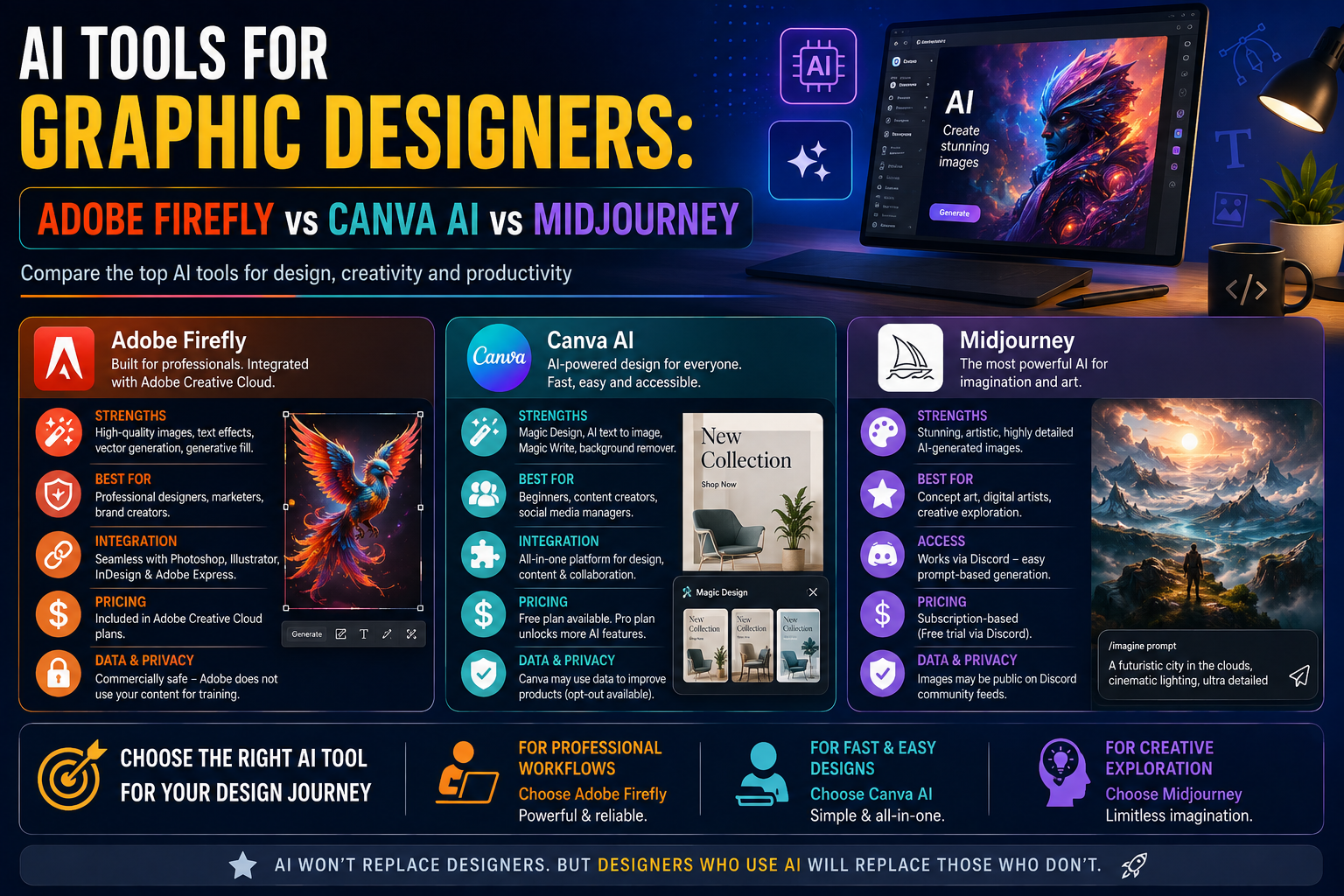
| Factor | Adobe Firefly | Canva AI | Midjourney |
| Best for | Commercially safe image generation integrated with Adobe apps | Fast, template-driven design work with built-in AI features | Highly artistic, stylised image generation |
| Learning curve | Moderate, easier for existing Adobe users | Low, beginner-friendly interface | Moderate, prompt-writing skill matters a lot |
| Commercial usage rights | Trained on licensed/public domain content, generally safer for commercial use | Included with Canva Pro, generally safe for commercial use | Requires a paid subscription for commercial rights |
| Integration | Deep integration with Photoshop and Illustrator | Built directly into the Canva design editor | Standalone, primarily used via Discord or web app |
| Typical use case | Generative fill, background removal, texture generation | Social media graphics, presentations, quick marketing assets | Concept art, illustrations, highly stylised visuals |
Adobe Firefly: Best for Integrated, Commercial-Safe Workflows
Firefly is built directly into Photoshop and Illustrator, making it a natural fit for designers who already work inside the Adobe ecosystem. Features like Generative Fill and Generative Expand let designers extend or modify existing artwork without leaving their usual editing environment.
Canva AI: Best for Speed and Accessibility
Canva’s AI features are built directly into its drag-and-drop editor, making it the most accessible entry point for beginners or non-designers producing marketing and social media content. Canva’s own documentation outlines features like Magic Design and Magic Media, which generate layouts and images directly from a text prompt.
Midjourney: Best for Highly Stylised, Artistic Output
Midjourney remains a favourite for designers wanting highly artistic, stylised imagery concept art, illustrations and visuals with a distinct aesthetic. It requires more prompt-writing skill to get consistent results, but often produces the most visually striking output of the three.
Choosing the Right AI Tools for Graphic Designers
If you work primarily in Photoshop or Illustrator
Adobe Firefly is the natural choice, since it’s built directly into tools you likely already use daily.
If you produce fast-turnaround marketing or social content
Canva AI’s speed and simplicity make it ideal for high-volume, template-driven design work.
If you need highly artistic or conceptual imagery
Midjourney’s distinct visual style is well suited to concept art, illustration and mood-board style work.
Why This Matters for Australian Graphic Designers
AI tool fluency is increasingly showing up in Australian graphic design job listings, alongside traditional design software skills.
- Sydney — agencies and marketing teams increasingly expect Canva AI or Firefly familiarity for content-heavy roles
- Melbourne — creative and advertising studios showing growing interest in Midjourney for concept work
- Brisbane — small business and marketing-focused design roles favouring Canva AI for speed
- Perth — in-house design roles increasingly expecting Adobe Firefly skills alongside Photoshop
- Adelaide — freelance and small studio designers using AI tools to compete on turnaround time
- Canberra — government and corporate communications roles cautiously adopting Canva AI for compliant content
Building AI Design Skills Alongside Design Fundamentals
Learning AI Tools for Graphic Designers works best alongside solid design fundamentals composition, typography, colour theory and brand consistency rather than as a replacement for them. Our step-by-step guide to becoming a graphic designer in Australia covers the foundational path most designers should follow before layering in AI tools.
Getting Started With Graphic Design and AI Tools
If you’re building a design career that includes AI Tools for Graphic Designers, the most efficient path is structured training covering both core design principles and modern AI-assisted workflows. Logitrain’s graphic design courses are delivered by experienced trainers across Australia, with options for learners in Sydney, Melbourne, Brisbane, Perth, Adelaide and Canberra, either in person or live online.
For the full range of IT and creative training options, Logitrain’s complete course catalogue at logitrain.com.au covers complementary skills that support a well-rounded design career.
Frequently Asked Questions
Which AI tool is best for graphic designers just starting out?
Canva AI is generally the easiest starting point due to its simple interface, while Adobe Firefly is a strong next step for designers already working in Photoshop or Illustrator.
Is it safe to use AI-generated images commercially in Australia?
Adobe Firefly and Canva AI are generally considered safer for commercial use since they’re trained on licensed or public domain content, while Midjourney requires a paid plan that includes commercial usage rights always check current licensing terms before commercial use.
Will AI tools replace graphic designers in Australia?
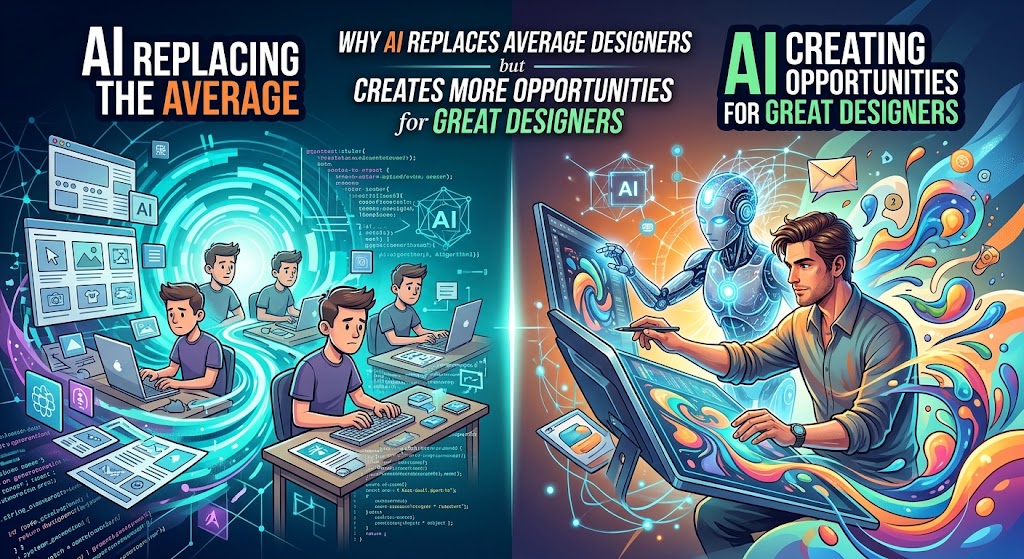
Most industry commentary suggests AI tools are changing the workflow rather than replacing the role — designers who combine strong design fundamentals with AI tool fluency are best positioned for 2027 roles.
Do I need to learn all three tools Firefly, Canva AI and Midjourney?
Not necessarily. Many designers specialise in one or two based on their niche, though having working knowledge of at least one generative AI tool is increasingly expected by employers and clients.
Are AI design skills in demand for Australian graphic design jobs?
Yes. Job listings across Sydney, Melbourne, Brisbane, Perth, Adelaide and Canberra increasingly mention AI tool familiarity as a preferred or growing requirement for graphic design roles.
Conclusion
AI Tools for Graphic Designers each bring a different strength to the table Firefly for integrated, commercial-safe workflows, Canva AI for speed and accessibility, and Midjourney for artistic, stylised output. Designers across Australia who understand when to reach for each tool, on top of solid design fundamentals, are best positioned for 2027 and beyond.