

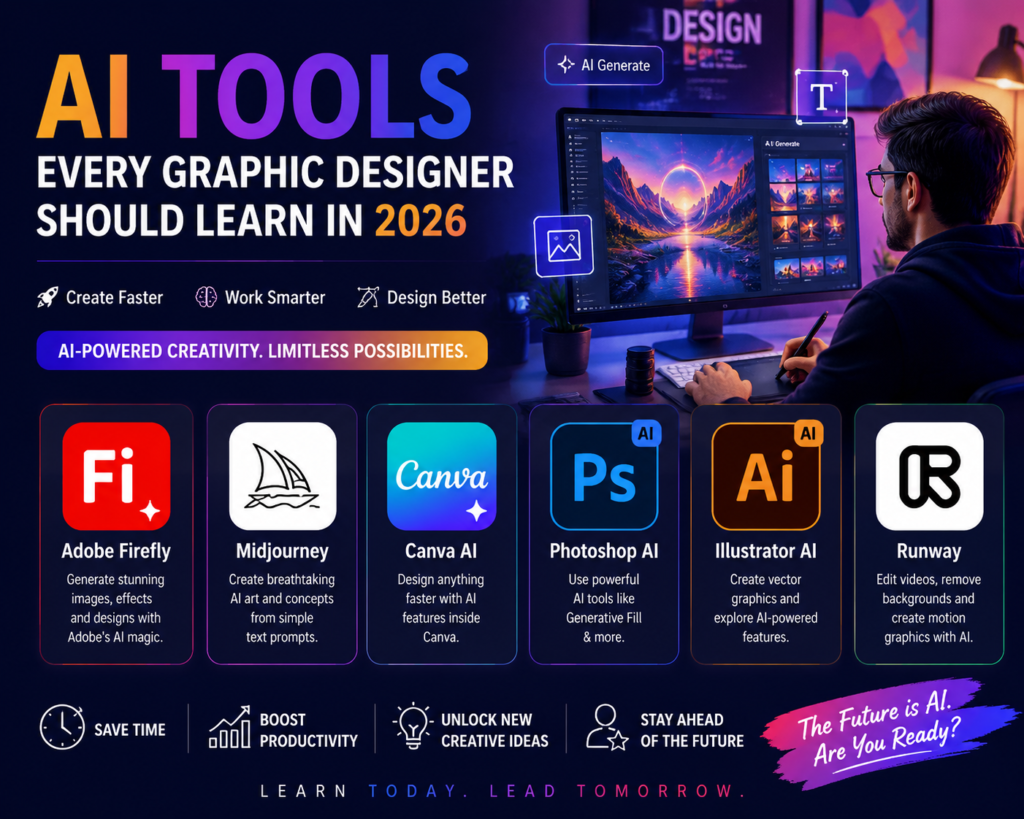
The AI tools for graphic designers landscape has moved fast, and by 2026 knowing how to work with them isn’t optional anymore it’s part of the job. From generating concept art in seconds with Midjourney to removing backgrounds instantly with Adobe Firefly, these tools don’t replace design thinking, but they do change how quickly you can get from idea to polished output.
This guide walks through the AI tools for graphic designers that are actually worth learning in 2026, what each one is genuinely good at, where they fall short, and how to fold them into a professional workflow without losing the craft skills that make your work stand out.
Why Learning AI Tools Matters for Graphic Designers in 2026
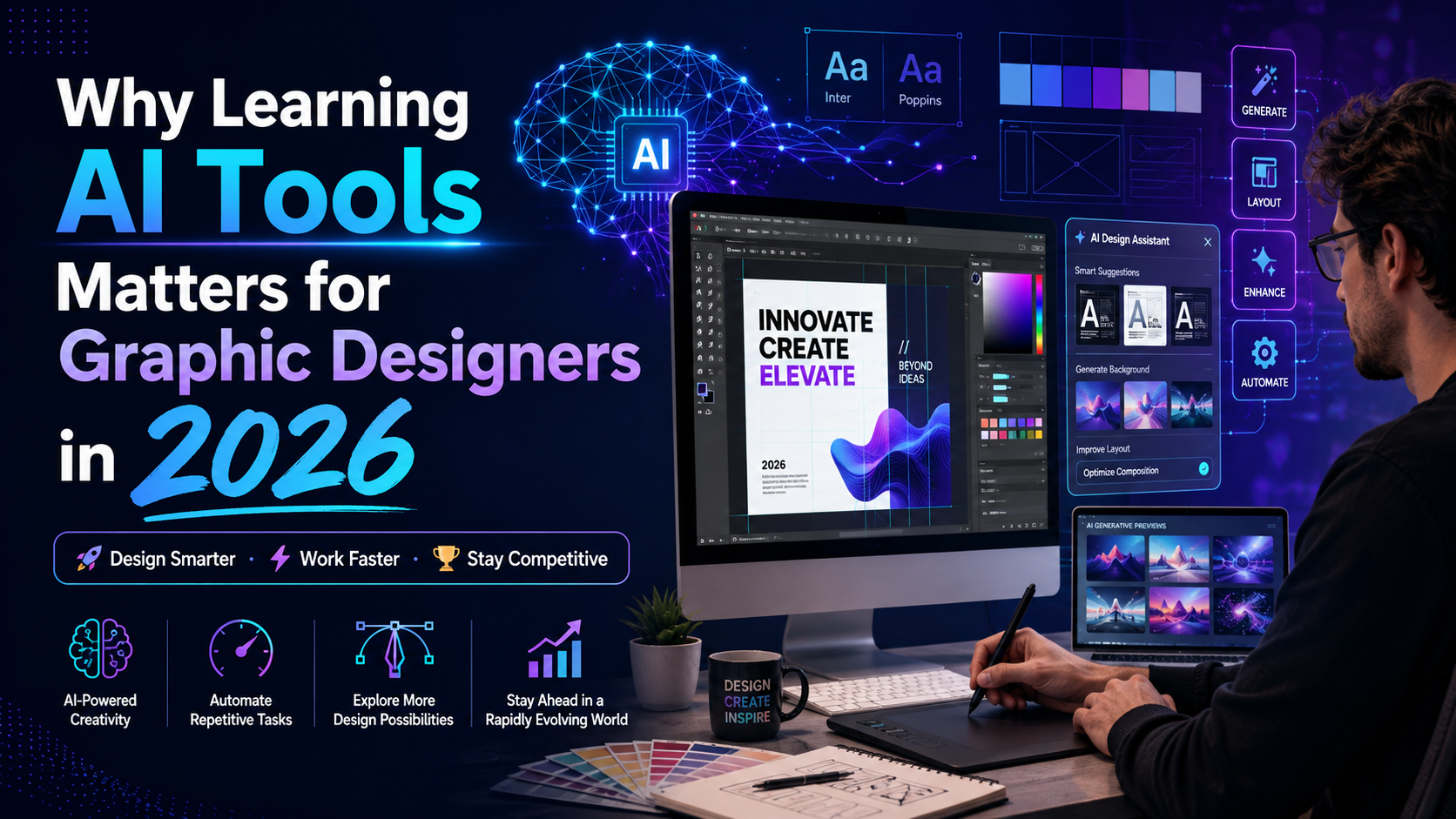
Clients and employers increasingly expect faster turnaround without sacrificing quality, and AI tools are how many studios are meeting that expectation. Designers who understand prompt writing, generative fill, and AI-assisted layout are able to produce more concept variations, speed up repetitive tasks like background removal, and spend more of their time on the strategic and creative decisions that actually need a human eye.
It’s worth being clear about what these tools don’t do: they don’t understand brand strategy, they don’t reliably nail typography hierarchy, and they can’t replace a trained eye for composition and colour theory. The designers getting the most value from AI treat it as a faster first draft, not a finished product.
Best AI Tools for Graphic Designers in 2026
| Tool | Best For | Pricing (approx.) | Skill Level |
| Adobe Firefly | Generative Fill, text-to-image inside Photoshop/Illustrator | Included in Creative Cloud plans; free tier available | Beginner–Advanced |
| Midjourney | High-end concept art, moodboards, illustrative styles | From ~US$10/month | Intermediate |
| Canva AI (Magic Studio) | Fast social, marketing and template-based design | Free tier; Canva Pro from ~AU$16.99/month | Beginner |
| Adobe Photoshop Generative Fill | Object removal, background extension, compositing | Included with Photoshop CC | Beginner–Intermediate |
| Figma AI | UI mockups, layout suggestions, content generation in design files | Included in paid Figma plans | Intermediate |
| Recraft | Vector generation, brand-consistent icon sets | Free tier; paid plans from ~US$10/month | Intermediate |
Adobe Firefly
Firefly is Adobe’s generative AI model, built directly into Photoshop and Illustrator, which makes it one of the most practical AI tools for graphic designers already working in the Adobe ecosystem. Its biggest strength is Generative Fill select an area of an image and describe what you want, and Firefly extends backgrounds, removes objects, or generates new elements that match the lighting and perspective of the original photo. Because it’s trained on Adobe Stock and licensed content, it’s also positioned as commercially safer to use in client work than some other generative models. Learn more on Adobe’s official Firefly page.
Midjourney
Midjourney remains the go-to tool for high-quality concept art, moodboards and stylised illustration. It excels at producing visually striking, painterly or highly stylised images from a text prompt, which makes it useful early in a project for generating creative direction options before committing design hours to a chosen concept. The trade-off is precision Midjourney is harder to art-direct exactly, and output isn’t editable the way a native vector or layered file is, so it works best as inspiration and concept work rather than final production assets. See Midjourney’s official site for current pricing and access.
Canva AI (Magic Studio)
Canva’s Magic Studio suite bundles several AI features Magic Design, background remover, text-to-image, and Magic Write directly into Canva’s drag-and-drop editor. It’s the most beginner-friendly of the AI tools for graphic designers covered here, which makes it a strong fit for freelancers, small business owners and marketing teams producing quick social media graphics, presentations and templated marketing materials. It’s less suited to highly custom branding or print production work, where more granular control matters. Details are on Canva’s official site.
Adobe Photoshop Generative Fill
Worth calling out separately from Firefly because it’s become such a core part of everyday retouching workflows: Generative Fill inside Photoshop handles object removal, background extension for repurposing images across different aspect ratios, and quick compositing tasks that used to take significant manual retouching time.
Figma AI
For designers working on UI, web layouts or digital product design, Figma’s AI features can generate layout variations, suggest content, and speed up wireframing. It’s most valuable for designers who work across both graphic and digital/UX design, rather than pure print or brand designers.
Recraft
Recraft focuses on vector generation and brand-consistent icon sets, producing genuinely editable vector output rather than flattened raster images a meaningful difference for designers who need assets that scale cleanly across print and digital formats.
How to Build AI Tools Into Your Design Workflow
- Use AI for early-stage concept generation and moodboards, then refine the chosen direction manually for final client delivery
- Treat Generative Fill and background tools as time-savers for repetitive retouching, not a substitute for compositional judgement
- Always check commercial usage rights for the specific AI tool and plan you’re using before including AI-generated elements in paid client work
- Keep your prompt-writing skills sharp — specific, well-structured prompts consistently produce better results than vague ones
- Combine AI speed with strong Adobe fundamentals — Photoshop, Illustrator and InDesign skills are still what let you finish and polish what AI starts
Do AI Tools Replace Graphic Design Skills?
No — if anything, AI tools raise the bar on what strong fundamentals are worth. Anyone can generate an image with a prompt, but knowing how to art-direct that output, correct its typography, composite it cleanly into a layout, and align it with a brand’s visual identity is still a trained skill. Employers in 2026 are looking for designers who can use AI tools for graphic designers efficiently while still demonstrating solid Adobe software skills, layout principles and creative judgement not designers who rely on AI alone.
Learn the Adobe Skills Behind Every AI Tool
Every AI tool on this list still depends on strong core skills to turn a fast AI draft into a polished, client-ready design. Our Photoshop Beginner Course, Photoshop Intermediate Course and Photoshop Advanced Course cover the retouching and compositing fundamentals that make Generative Fill actually useful in real client work.
For vector and illustration work that pairs well with tools like Midjourney and Recraft, see our Illustrator Beginner Course, Illustrator Intermediate Course and Illustrator Advanced Course. For print and layout-heavy design, explore our InDesign Beginner Course, InDesign Intermediate Course and InDesign Advanced Course.
Graphic Design Training Across Australia
Instructor-led graphic design training combining Adobe fundamentals with modern workflow tips is available in Sydney, Melbourne, Brisbane, Perth, Adelaide and Canberra, as well as live virtually for learners anywhere in the country.
Frequently Asked Questions
Which AI tool should graphic designers learn first?
Adobe Firefly is a practical starting point for most designers, since it’s built directly into Photoshop and Illustrator and doesn’t require learning a separate platform. Canva AI is the easiest entry point for beginners not yet working in the Adobe ecosystem.
Is Midjourney or Adobe Firefly better for client work?
They serve different purposes. Midjourney is stronger for early concept exploration and stylised imagery, while Firefly is better suited to production tasks like Generative Fill within an existing Adobe workflow, and its licensing is generally considered more straightforward for commercial client work.
Will AI tools replace graphic designers?
Unlikely in the near term. AI tools speed up production and ideation, but strategic thinking, brand judgement, typography skill and client communication remain distinctly human skills that AI doesn’t reliably replicate.
Do I need a Creative Cloud subscription to use Adobe Firefly?
Firefly offers a free tier with limited generative credits, but full integration with Photoshop and Illustrator’s Generative Fill features typically requires an active Creative Cloud subscription.
Final Thoughts
The AI tools for graphic designers covered here Adobe Firefly, Midjourney, Canva AI and the rest are genuinely useful additions to a modern design workflow, but they work best in the hands of someone who already understands design fundamentals. Contact us to find the right Adobe course for building the skills that make AI-assisted design work look genuinely professional.