




Customer trust is usually decided in the first few seconds, long before anyone reads a paragraph of your website. A stranger sees your logo in a search result, glances at your social profile, or opens a flyer someone handed them. In that moment they’re already asking a silent question: “Do these people look like they know what they’re doing?” If the answer feels like no, your carefully written copy never gets a fair chance.
That can feel unfair, especially if your service is excellent. But it’s how people behave. We use visual cues as shortcuts, because we can’t inspect the quality of a business we haven’t tried yet. Design becomes a stand-in for competence, care and honesty.
This guide explains how customer trust forms before the first click, which visual signals help or hurt, and how to fix them with a practical 30-day plan. You’ll also find notes for Sydney, Melbourne, Brisbane, Perth, Adelaide and Canberra, plus training pathways from our graphic design courses if you’d like to build these skills yourself.
What Is Customer Trust, and Why Does It Start Before Your Website?
Customer trust is a person’s confidence that your business will do what it promises. It isn’t built by a single page or a single claim. It’s built by many small signals that all point in the same direction: professional, consistent and reliable.
Most of those signals arrive before your website does. People meet your business through a Google listing, a social post, an email signature, a business card, a van, a menu or a message from a friend. Each one is a tiny audition. By the time someone lands on your homepage, they’ve usually formed a first opinion, and your website is either confirming it or fighting it.
That’s why customer trust is as much a design outcome as a communication one. Words explain. Visuals set the mood in which the words are received.
Where Customer Trust Gets Decided Before Anyone Reads Your Site
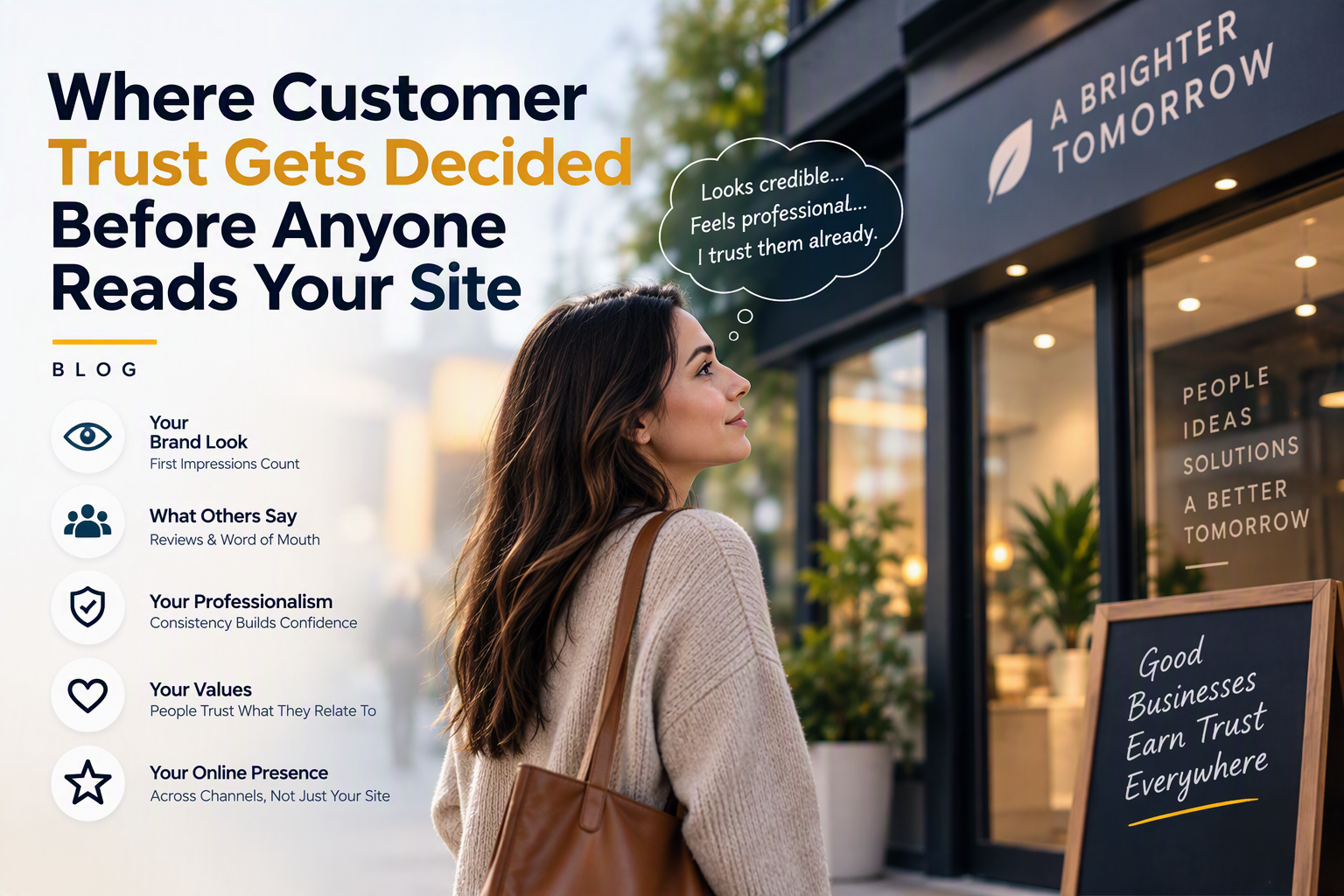
Think of these five touchpoints as the moments where a decision quietly happens.
1. Your search listing
A clear business name, a clean logo and a sensible description make a listing feel established. A blurry logo or a messy title makes people hesitate.
2. Your social profile and ads
A recognisable profile image, consistent colours and tidy posts tell visitors you’re active and organised. Random templates and mismatched styles suggest the opposite.
3. Your logo and brand look
Your logo is often the first thing people see. It doesn’t have to be fancy, but it does have to look intentional: balanced, legible and sized properly wherever it appears.
4. Your printed and shared materials
Brochures, quotes, invoices and proposals are trust moments, too. Sloppy alignment or low-resolution images on a printed page can undo weeks of good service.
5. The first screen of your website
Even the top of your homepage counts before any reading starts. Layout, spacing, image quality and readable type all shape whether a visitor relaxes or leaves.
What Research Says About First Impressions and Customer Trust
Design researchers have studied this for years. In the Stanford Web Credibility Project, people were asked to comment on what made websites look credible, and nearly half of the comments (around 46%) were about visual design, such as layout, typography and colour. Separate research by Gitte Lindgaard and colleagues suggested that people can form an opinion about how attractive a web page is in as little as 50 milliseconds.
These studies are often quoted and worth reading in full, but the point is simple. Looks aren’t everything, yet they set the first impression, and first impressions shape how the rest of your message lands.
Visual Signals That Build Customer Trust
Some signals are easy to fix and have an outsized effect. Here’s what customers tend to read into each one.
| Visual signal | What customers read into it | What quietly breaks trust |
| Consistent logo and colours | This business is organised and established | Different logo versions and colours on every channel |
| Readable typography | They care about making things easy for me | Tiny text, too many fonts, poor contrast |
| Sharp, relevant images | They are real and take pride in their work | Pixelated photos or obvious generic stock images |
| Clean layout and spacing | They are calm, careful and professional | Crowded pages with no clear starting point |
| Matching look across channels | What I see here is what I will get | Website, socials and print all looking unrelated |
| Well-prepared print files | They pay attention to detail | Cut-off text, wrong sizes, muddy colours |
Design Mistakes That Quietly Destroy Customer Trust
Most trust-damaging design isn’t ugly. It’s inconsistent, rushed or unclear. These are the mistakes we see most often on small business materials.
- A stretched, squashed or pixelated logo.
- Using four or five different fonts across one document.
- Low-resolution photos that look fuzzy on larger screens.
- Crowded layouts that give the eye nowhere to rest.
- Colours that change from one platform to the next.
- Text placed over busy images so it becomes hard to read.
- An outdated look that suggests the business stopped caring years ago.
The good news is that each of these is fixable, and fixing them often costs far less than a full rebrand.
Design Is Not the Whole Story
Visuals open the door, but they don’t finish the job. Customers also look for proof that a business is real and dependable. Clear contact details, an honest description of what you do, visible pricing or price guidance, genuine reviews and photos of real work all support what your design is saying.
When these signals match your visuals, people relax. When they clash, for example a beautiful logo next to a vague contact page, doubt creeps in. Good design and good substance need to work together, and that combination is what makes a business feel safe to choose.
A Quick Illustration: Two Businesses, One Suburb
Here’s a fictional example. Two electricians work in the same Australian suburb. Both are licensed, both charge similar rates, and both do good work.
The first has a simple but consistent look: one logo, two brand colours, a clean van sign, a tidy quote template and a social profile that matches. The second has a website built years ago, a logo saved as a blurry screenshot, and quotes typed in a default document.
A homeowner searching late at night sees both listings. Without reading a word of either website, she’s more comfortable calling the first. The skill of the two electricians didn’t decide that. The signals did.
A 10-Minute Brand Trust Audit You Can Do Today
Before you change anything, see your business the way a stranger does. Open a fresh browser window and run through these questions.
- Search your business name. Does the logo look sharp, and does the listing look complete?
- Open your social profile on a phone. Can you tell what you do within five seconds?
- Look at your last three posts. Do they look like they came from the same business?
- Check your quote or invoice. Is the logo clear and the text easy to read?
- Scroll the top of your homepage. Is there one obvious message and one obvious action?
- Ask a friend outside your industry to describe your brand in three words.
If two or more answers make you wince, you’ve found your starting point.
A 30-Day Plan to Build Customer Trust Visually
You don’t need a big budget to improve customer trust. You need a clear order of work.
- Days 1 to 5: Collect everything customers see, such as logo files, social profiles, business cards, quotes, invoices and your homepage. Put them side by side.
- Days 6 to 10: Note the differences in logo, colours, fonts and image quality. Choose one main version of each and write it down as a simple style guide.
- Days 11 to 18: Replace weak logo files with clean, high-resolution versions and update profile images on every platform.
- Days 19 to 25: Redesign your most-used materials first, usually your quote template, email signature and social post template.
- Days 26 to 30: Review the top of your homepage. Improve spacing, text size and image quality before you touch anything else.
Then keep the style guide handy. Consistency is what turns a few good-looking pieces into real customer trust.
The Design Skills Behind Customer Trust
You can hire a designer, or you can learn enough to handle the basics yourself. Many business owners, marketers and freelancers do the second, and it pays off quickly. These are the three tools that matter most.
| Tool | Trust job it does | Courses to explore |
| Photoshop | Cleans up photos, fixes image quality and prepares web graphics | Beginner, Intermediate, Advanced |
| Illustrator | Builds sharp logos, icons and vector artwork that scale cleanly | Beginner, Intermediate, Advanced |
| InDesign | Creates consistent brochures, proposals and print-ready layouts | Beginner, Intermediate, Advanced |
All of these are instructor-led and hands-on, and you can choose the level that matches your experience. If you’re not sure where to begin, talk to our team and we’ll help you pick.
If you’re protecting a brand you’ve built, it’s also worth knowing your rights around logos and names. IP Australia explains how trade marks work.
Customer Trust Across Australian Cities
Customer trust is built the same way everywhere, but each city has its own pressure points. Training is available in the cities below and through live virtual options.
Sydney
Sydney’s crowded markets mean customers compare quickly, and polished visuals help you stand out in the first glance. Explore graphic design courses in Sydney.
Melbourne
Melbourne’s strong creative, hospitality and retail culture sets a high bar for how a brand should look. See graphic design courses in Melbourne.
Brisbane
Brisbane’s growing small business scene rewards owners who look established from day one. Check graphic design courses in Brisbane.
Perth
Perth’s trades, professional services and resources-linked businesses win work through referrals, and a professional look makes those referrals easier. Browse graphic design courses in Perth.
Adelaide
In Adelaide’s close-knit business community, reputation travels fast and consistent branding helps it travel well. Take a look at graphic design courses in Adelaide.
Canberra
Canberra’s professional and government-adjacent audiences value clarity, accuracy and polish. Learn more about graphic design courses in Canberra.
Frequently Asked Questions About Customer Trust
What is customer trust?
Customer trust is the confidence people have that a business will deliver what it promises. It’s shaped by first impressions, consistency, reputation and experience.
How do customers decide to trust a business?
They combine quick visual impressions with social proof, reviews and clear information. Often the visual impression comes first, before anyone reads your website.
Does design really affect customer trust?
Yes. Design won’t replace good service, but it strongly influences whether people give you a chance. Professional, consistent visuals suggest care and reliability.
How can a small business build customer trust cheaply?
Start with consistency. Use one logo, a small set of colours and fonts, sharp images and clean layouts everywhere. These changes cost little and make a large difference.
What design skills help most with branding?
Image editing, logo creation and layout design cover most needs. Photoshop, Illustrator and InDesign are the standard tools for these tasks. For career and skills research, see Jobs and Skills Australia.
Should I learn design myself or hire a designer?
It depends on your time and budget. Many owners learn the basics to keep everyday materials consistent, and hire a specialist for major projects such as a full rebrand.
Final Thoughts: Earn Trust Before the First Click
Your website matters, but it’s rarely the first place customers meet you. By the time they arrive, your visuals have already said something on your behalf. Make sure it’s what you’d want them to hear. Start with one logo, one style guide and one tidy quote template, and build from there.
Ready to build these skills? Explore all courses, learn more about us, or contact our team to find the right level for you.