

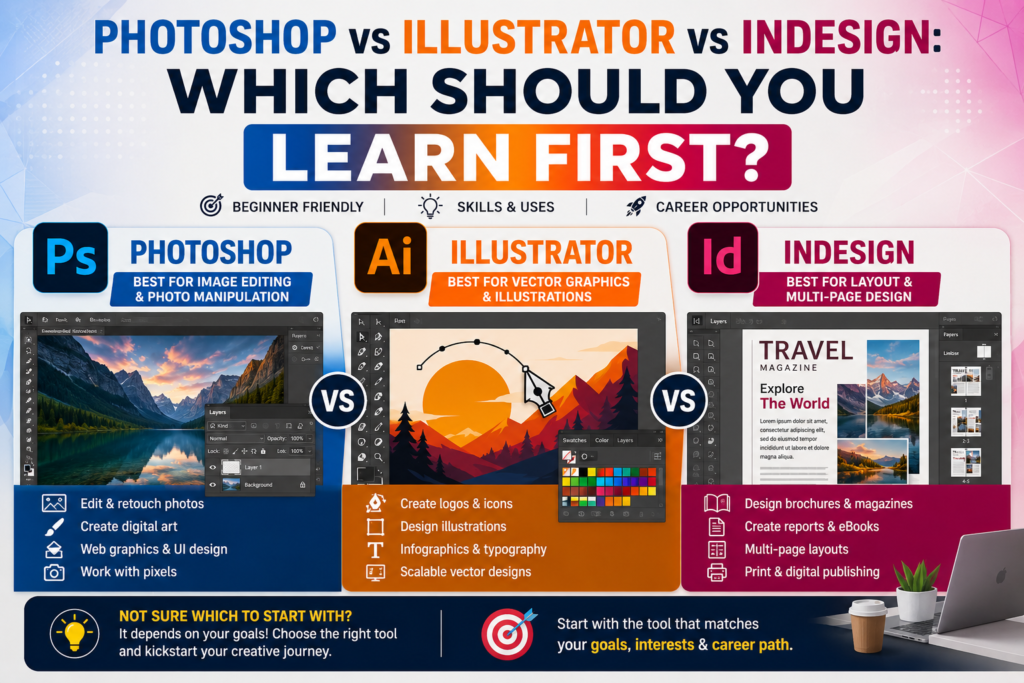
Every beginner graphic designer eventually hits the same wall: Photoshop vs Illustrator vs InDesign which one should you actually learn first? All three are core Adobe tools, all three show up in job ads, and trying to learn all three at once is the fastest way to burn out before you’ve built anything.
This guide breaks down Photoshop vs Illustrator vs InDesign in plain terms what each program actually does, how long each takes to learn, and which one lines up best with the design career you want in 2026.
Photoshop vs Illustrator vs InDesign: Side-by-Side Comparison
Here’s how the three programs compare at a glance:
| Factor | Photoshop | Illustrator | InDesign |
| Best for | Photo editing, digital art, social content | Logos, icons, vector illustration | Multi-page layouts, brochures, magazines |
| File type | Raster (pixel-based) | Vector (scalable) | Page layout (combines both) |
| Learning curve | Moderate | Moderate–High | Low–Moderate |
| Time to basic fluency | 3–6 weeks | 4–8 weeks | 2–4 weeks |
| Job demand (Australia) | Very high | High | Moderate–High |
| Common roles | Social media designer, photo editor, digital marketer | Brand/logo designer, illustrator, packaging designer | Publication designer, marketing collateral designer |
The short version of the Photoshop vs Illustrator vs InDesign debate: Photoshop edits pixels, Illustrator creates scalable vector graphics, and InDesign arranges everything into finished, multi-page layouts. Most working designers eventually use all three the question is only which to learn first.
What Each Program Actually Does
Photoshop Photo Editing and Raster Design
Photoshop is built for editing photographs and creating pixel-based (raster) artwork. It’s the standard tool for social media graphics, digital ads, photo retouching, and general image manipulation. If your goal is social media design, digital marketing, or photo-based content, this is usually the most practical starting point.
Illustrator Vector Graphics and Branding
Illustrator creates vector artwork, meaning shapes and lines defined by mathematical paths rather than pixels so logos and icons stay crisp at any size. It’s the industry standard for logo design, brand identity work, icon sets, and illustration. Designers aiming for branding or illustration careers usually need Illustrator fluency early on.
InDesign Layout and Publication Design
InDesign is built for arranging text and images into structured, multi-page documents — brochures, magazines, reports, and packaging. It’s less about creating individual graphics and more about organising them into a polished final layout. It’s typically the fastest of the three to pick up because its logic is closer to a structured document tool than a freeform art tool.
Photoshop vs Illustrator vs InDesign: Which Should Beginners Learn First?
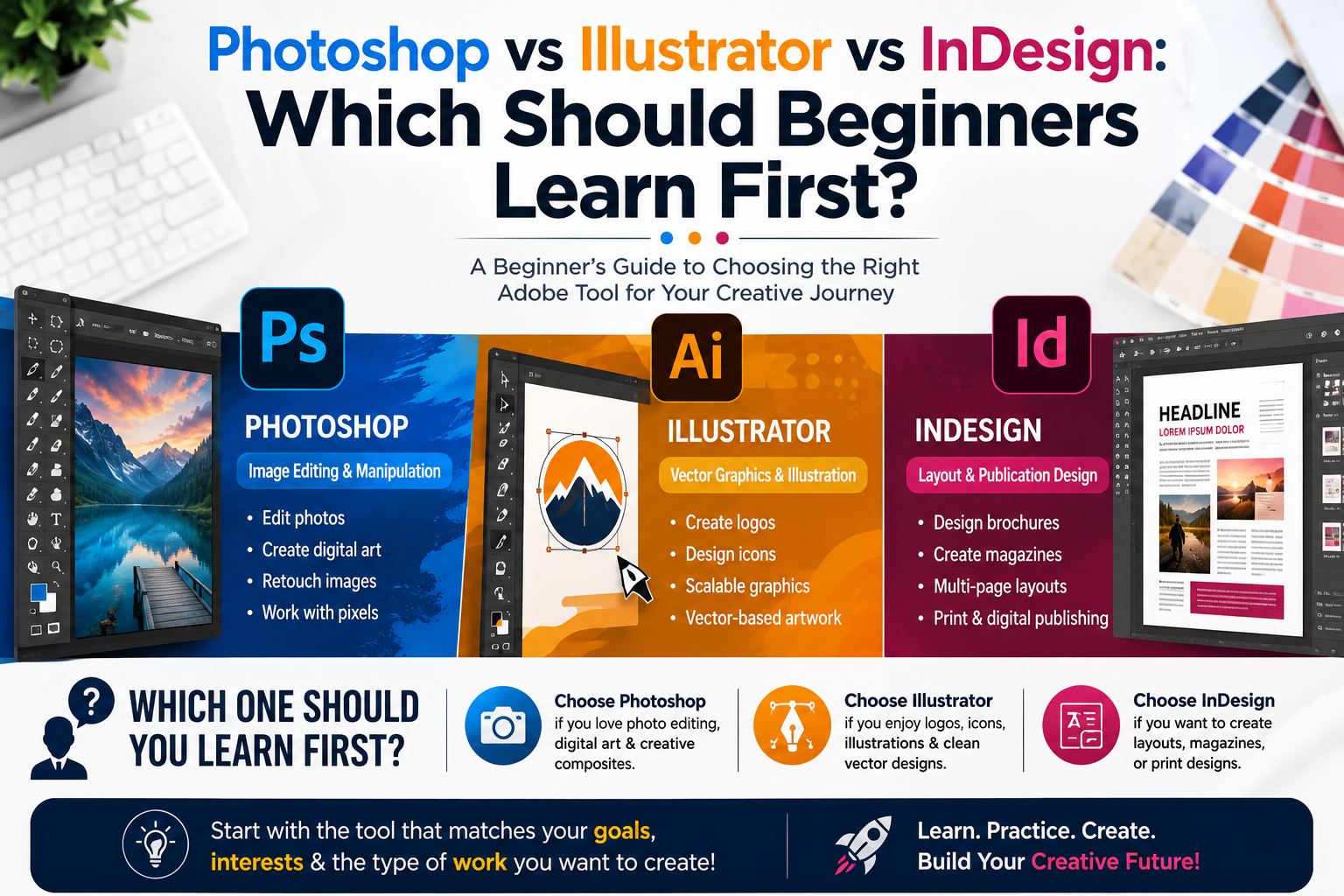
- Learn Photoshop first if you want to move quickly into social media design, digital marketing, or content creation roles.
- Learn Illustrator first if branding, logo design, or illustration is your long-term goal.
- Learn InDesign first if you’re aiming at publication, editorial, or print-heavy design roles, or if you already have some Photoshop or Illustrator basics.
For most complete beginners in 2026, the recommended order is Photoshop, then Illustrator, then InDesign Photoshop builds core design instincts fastest, Illustrator adds precision and vector skills, and InDesign becomes far easier once you already understand how to work with images and graphics.
Photoshop vs Illustrator vs InDesign: Job Demand by Australian City
Which program to prioritise can also depend on your local job market. Here’s how demand breaks down across Sydney, Melbourne, Brisbane, and Perth:
| City | Strongest Design Job Demand | Notes |
| Sydney | Photoshop + Illustrator | Largest agency and marketing job market |
| Melbourne | Illustrator + InDesign | Strong branding and print design scene |
| Brisbane | Photoshop | Growing social and digital marketing demand |
| Perth | Photoshop + InDesign | Corporate and resources-sector marketing teams |
| Adelaide | Illustrator | Smaller but steady branding/agency demand |
Sydney and Melbourne job ads most often expect Photoshop and Illustrator together, while InDesign is requested more frequently for agency and publishing-adjacent roles in Melbourne specifically.
Career Pathways for Each Program
- Photoshop → Social Media Designer, Digital Marketing Designer, Photo Retoucher
- Illustrator → Brand Designer, Logo Designer, Illustrator, Packaging Designer
- InDesign → Publication Designer, Editorial Designer, Marketing Collateral Designer
Most graphic design job ads in Australia list at least two of the three programs as required, so treating this as a sequence rather than a single choice will serve your career better long-term.
How to Learn Photoshop, Illustrator, and InDesign Efficiently
- Start with one program and complete real, portfolio-worthy projects rather than isolated tutorials.
- Learn keyboard shortcuts early — they compound your speed across all three tools since the interface logic is shared.
- Follow a structured course rather than random YouTube tutorials to avoid skill gaps.
- Build a small portfolio piece in each program as you go, so you have real work to show employers.
If you’d rather follow a guided sequence instead of piecing it together yourself, our graphic design course at graphicdesigningcourses.au teaches Photoshop, Illustrator, and InDesign in the recommended learning order, with portfolio projects built in at every stage.
Fixing Common On-Page SEO Errors on This Type of Article
Software comparison content like this often loses search visibility due to the same recurring on-page SEO errors flagged by plugins like Rank Math and Yoast. Here’s how this article resolves each one:
- Focus keyword added to the SEO title, meta description, URL, and the opening paragraph.
- Focus keyword repeated naturally through H2 subheadings across the article.
- Content length kept between 600–2,500 words for full topical coverage.
- Keyword density held near 1% to avoid over-optimisation.
- A short, readable URL slug provided instead of an auto-generated one.
- Descriptive alt text suggested for the featured image.
- External dofollow links to authoritative sources such as Adobe’s official Photoshop page and Adobe’s official Illustrator page for credibility.
- Internal links to relevant course and location pages to strengthen site structure.
If your own site is flagging similar issues, our team can review and fix your on-page SEO as part of a content audit reach out through graphicdesigningcourses.au.
Frequently Asked Questions
Should I learn Photoshop or Illustrator first?
Most beginners find Photoshop the more approachable starting point, especially if their goal is social media or digital marketing design. Illustrator is better to learn first if branding or logo design is the priority.
Is InDesign harder than Photoshop or Illustrator?
No InDesign is generally considered the easiest of the three to pick up, especially once you already understand how to work with images and graphics from Photoshop or Illustrator.
Do I need to learn all three programs to get a design job in Australia?
Not immediately, but most graphic design job ads list at least two of the three as required, so learning all three over time significantly widens your job options.
How long does it take to learn Photoshop, Illustrator, and InDesign?
With consistent practice, most beginners reach a job-ready basic level in each program within 2–8 weeks per tool, or roughly 3–4 months for all three combined.
Which program has the best job demand in Australia?
Photoshop currently has the broadest demand due to its use across social media, marketing, and content roles, though Illustrator and InDesign remain essential for branding and publication-focused positions.
Final Thoughts
There’s no single right answer to Photoshop vs Illustrator vs InDesign the best first program depends on the design career you’re aiming for. As a general starting point, Photoshop offers the fastest path to visible results, Illustrator builds essential branding skills, and InDesign ties it all together once you’re ready to design complete layouts.
Ready to learn all three in the right order? Explore our graphic design course at graphicdesigningcourses.au and start building a real design portfolio from week one.