

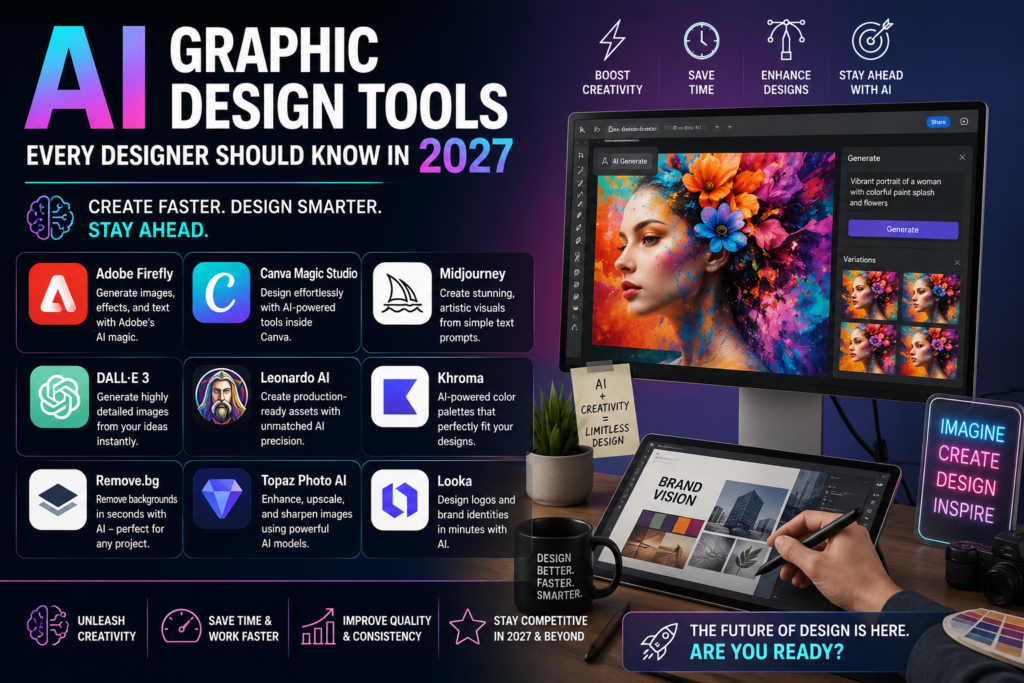
AI graphic design tools have moved from novelty to necessity. What used to take hours in Photoshop generating concept art, removing backgrounds, building layout variations can now happen in minutes. As these tools keep maturing heading into 2027, designers who understand how to use them well have a real competitive edge over those who ignore them. This guide walks through the AI graphic design tools worth learning now, what each one is actually good at, and where a human designer’s judgement still matters most.
If you’re building your creative skillset from the ground up, pairing AI tools with strong fundamentals in Photoshop, Illustrator and InDesign taught in our Graphic Design Courses will always outperform relying on AI alone.
Why Every Designer Should Learn AI Graphic Design Tools
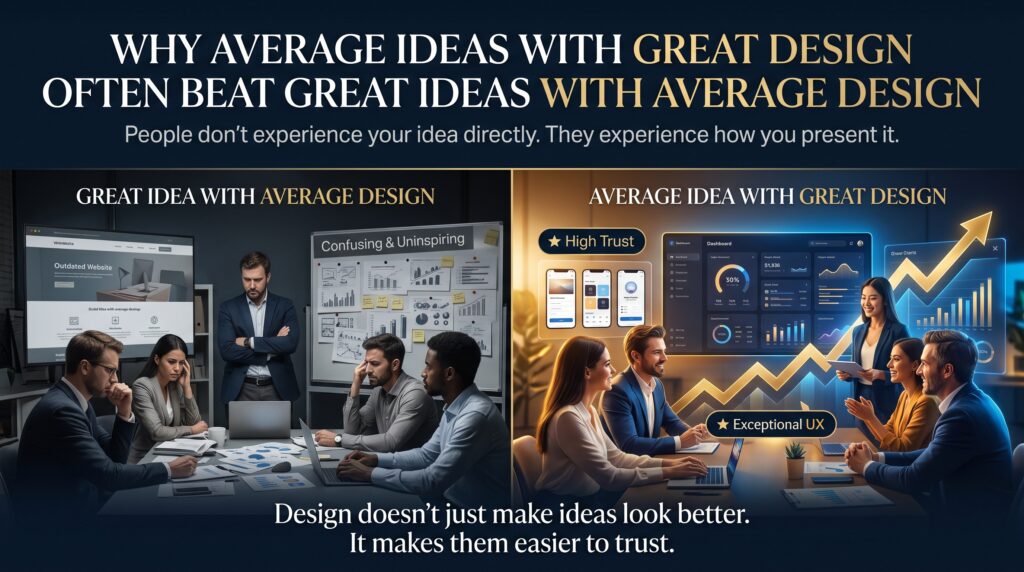
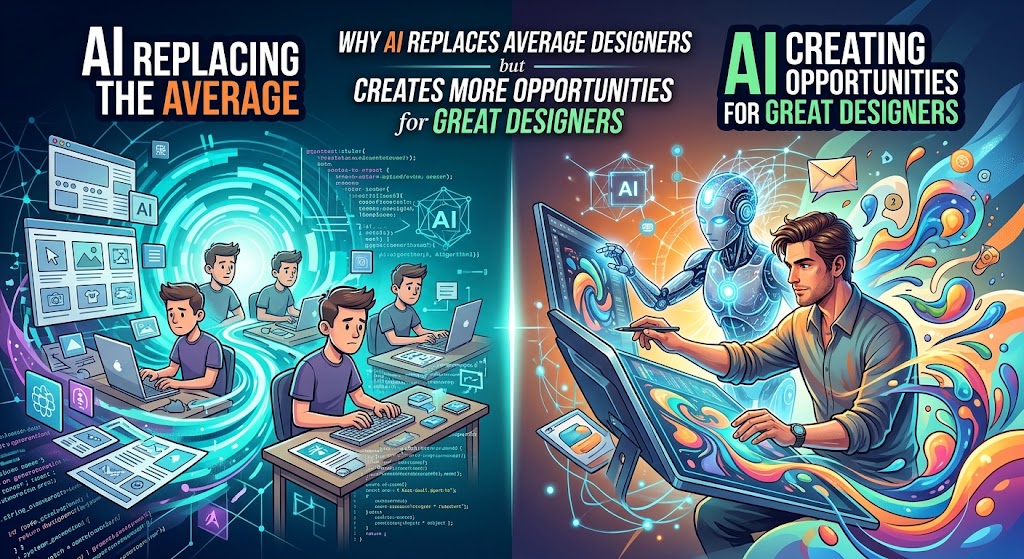
AI hasn’t replaced design skill it has changed what designers spend their time on. Instead of manually generating dozens of layout options or spending an hour removing a background, AI graphic design tools handle the repetitive groundwork, freeing designers to focus on creative direction, brand strategy and final polish. Clients and employers increasingly expect designers to know how to use these tools efficiently, not just traditional software.
The Top AI Graphic Design Tools to Know
1. Adobe Firefly
Adobe Firefly is built directly into Photoshop and Illustrator, offering generative fill, generative expand and text-to-vector features. Because Firefly is trained on licensed Adobe Stock content rather than scraped internet images, it’s a popular choice for commercial and client work where copyright safety matters.
2. Canva Magic Studio
Canva’s Magic Studio turns a short text prompt into a full layout, complete with matching colours, fonts and imagery. Features like Magic Design and Magic Write make it especially useful for social media graphics, presentations and quick marketing assets.
3. Midjourney
Midjourney remains widely regarded as one of the strongest tools for pure visual quality — mood, lighting, and composition. Designers use it heavily in the concept and ideation stage, generating visual directions before refining the final piece in Photoshop or Illustrator.
4. Figma AI
For UI/UX and product designers, Figma AI (including its prompt-to-layout capability) can turn a written description into a working interface layout using existing design system components — a major time-saver for early-stage product design work.
5. Recraft
Most AI image generators output a flat PNG. Recraft stands out by generating genuinely editable vector (SVG) files, making it especially useful for logos, icons and scalable brand assets that need to be resized without losing quality.
6. Kittl
Kittl combines AI generation with a full vector editing workspace, positioning it as a strong option for branding, merchandise and print-ready design work that needs more creative control than a template-based tool can offer.
AI Graphic Design Tools Comparison
| Tool | Best For | Standout Feature |
| Adobe Firefly | Photoshop / Illustrator workflows | Commercially safe, trained on licensed content |
| Canva Magic Studio | Social media & marketing graphics | Prompt-to-layout with Magic Design |
| Midjourney | High-end concept art & illustration | Best-in-class visual quality and mood |
| Figma AI | UI/UX and product design teams | Prompt-to-layout with design system awareness |
| Recraft | Logos, icons, scalable brand assets | Native editable vector (SVG) output |
| Kittl | Branding, merch and print-ready design | AI generation plus a full vector editor |

Suggested Screenshots to Add to This Post
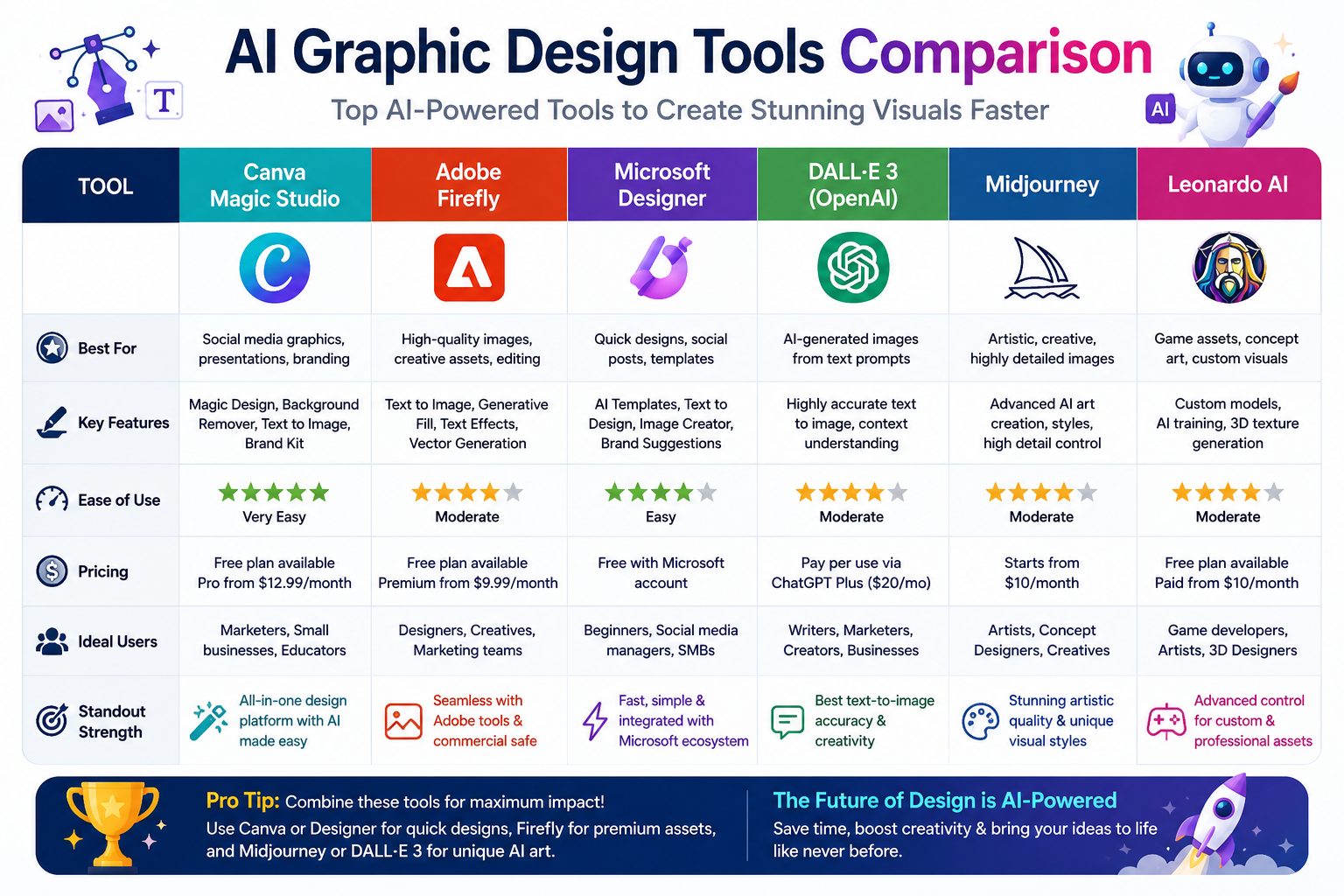
Add original screenshots (not copied from Google Images, to keep this content plagiarism-free) at the points below. File names and alt text are pre-optimised with the focus keyword to fix the ‘Add an image with your Focus Keyword as alt text’ warning.
| Suggested Screenshot | File Name | Alt Text (Focus Keyword Included) |
| Adobe Firefly generative fill panel inside Photoshop | ai-graphic-design-tools-adobe-firefly-photoshop.png | AI graphic design tools shown with Adobe Firefly inside Photoshop |
| Canva Magic Studio prompt-to-layout screen | ai-graphic-design-tools-canva-magic-studio.png | AI graphic design tools in action using Canva Magic Studio |
| Recraft generating an editable SVG icon set | ai-graphic-design-tools-recraft-vector-output.png | AI graphic design tools producing editable vector output in Recraft |
| Side-by-side comparison chart of 6 AI design platforms | ai-graphic-design-tools-comparison-chart.png | Comparison chart of the top AI graphic design tools for designers |
What AI Graphic Design Tools Still Can’t Do
Despite rapid progress, AI graphic design tools still rely on a trained human eye to succeed. They cannot fully understand a brand’s identity, make final judgement calls on typography and hierarchy, or guarantee original, legally clean output every time. This is exactly why formal training in design fundamentals remains essential.
- Understanding brand strategy and audience — not just visual output
- Typography, layout and colour theory principles that guide good design decisions
- Quality control — spotting when AI output needs manual correction
- Client communication and creative direction
How to Build Real Design Skills Alongside AI
The most in-demand designers in 2027 will be the ones who combine strong fundamentals with AI fluency. Our instructor-led Photoshop, Illustrator and InDesign courses teach the design principles that make AI tools genuinely useful, rather than a shortcut that produces inconsistent, off-brand work.
Build Your Design Skills Across Australia
We deliver instructor-led graphic design training for learners in Melbourne, Sydney, Brisbane, Adelaide, Perth and Canberra, with flexible live virtual options available nationwide.
Frequently Asked Questions
Will AI replace graphic designers?
Unlikely in the near term. AI graphic design tools speed up production work, but brand strategy, creative direction and client communication remain distinctly human skills that employers continue to value.
What is the best free AI graphic design tool?
Canva’s Magic Studio offers a strong free tier for social media and marketing graphics, while Adobe Firefly offers limited free generations for Photoshop and Illustrator users.
Do I need to know Photoshop if I use AI design tools?
Yes. AI tools like Firefly work inside Photoshop and Illustrator, and most AI-generated output still needs manual refinement, so core software skills remain essential this is exactly what our Photoshop courses cover.
Which AI tool produces editable vector files?
Recraft is currently one of the few AI graphic design tools that generates genuinely editable SVG vector output, rather than a flat image file.
Final Thoughts
AI graphic design tools are reshaping how designers work but they reward people who already understand design fundamentals far more than people trying to skip them. Learning tools like Firefly, Canva Magic Studio, Midjourney, Figma AI, Recraft and Kittl alongside core Adobe skills is the most future-proof path for any designer heading into 2027.
Ready to build a design skillset that works with AI, not around it? Explore our Graphic Design Courses today, or contact our team to find the right course for you.